EKS: Avoiding 502/504 Errors & Timeouts During Rolling Deployments (ALB)
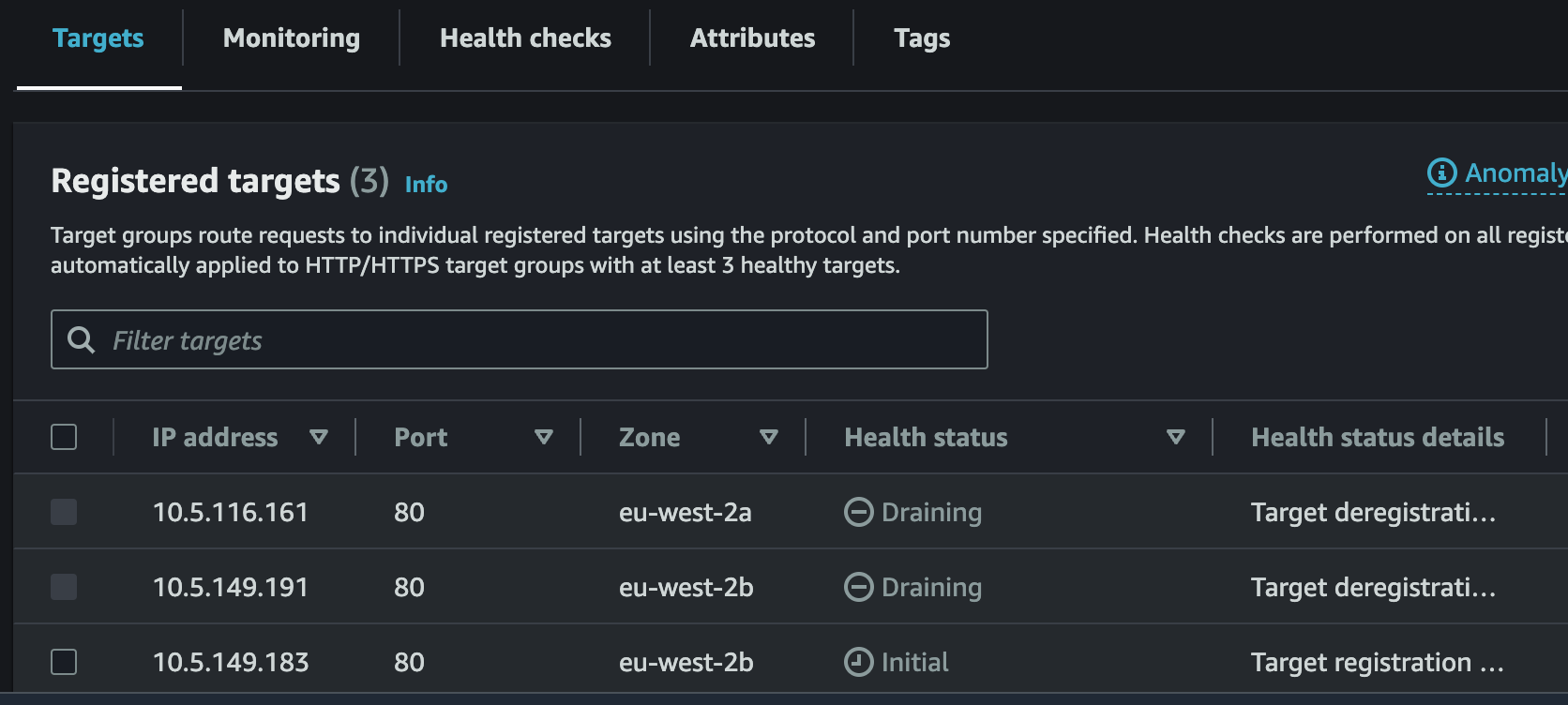
When exposing Amazon EKS applications through an AWS Application Load Balancer (ALB) using IP target mode, rolling updates can sometimes trigger brief 502 Bad Gateway / 504 Gateway Timeout errors.
Root Causes
- Slow Target Registration: Kubernetes marks a new pod as
Readybefore the AWS ALB Target Group finishes health checking and registering the pod's IP address. - Abrupt Termination: Kubernetes sends
SIGTERMand terminates an old pod before the ALB finishes draining active connections from the target group.
The Two-Part Solution
1. Enable Pod Readiness Gates
Configuring Pod Readiness Gates prevents Kubernetes from terminating old pods until the new pod's IP is fully registered and healthy inside the AWS ALB target group.
Enable readiness gate injection by labeling your application namespace:
2. Configure preStop Sleep Hook & Deregistration Delay
Add a preStop hook to delay pod shutdown while the ALB deregisters the target, and tune the Target Group deregistration delay:
deployment.yaml
apiVersion: apps/v1
kind: Deployment
metadata:
  name: web-app
spec:
  replicas: 3
  template:
    spec:
      terminationGracePeriodSeconds: 60
      containers:
        - name: app
          image: nginx:latest
          lifecycle:
            preStop:
              exec:
                command: ["/bin/sh", "-c", "sleep 30"]
ingress.yaml
apiVersion: networking.k8s.io/v1
kind: Ingress
metadata:
  name: web-ingress
  annotations:
    alb.ingress.kubernetes.io/scheme: internet-facing
    alb.ingress.kubernetes.io/target-type: ip
    alb.ingress.kubernetes.io/target-group-attributes: deregistration_delay.timeout_seconds=30
spec:
  ingressClassName: alb
  rules:
    - http:
        paths:
          - path: /
            pathType: Prefix
            backend:
              service:
                name: web-service
                port:
                  number: 80