ECR Registry Cross-Account Access
Amazon Elastic Container Registry (ECR) is a fully managed container registry that makes it easy to store, manage, share, and deploy container images and artifacts anywhere. Configuring EKS to access ECR within the same account is typically done via an IAM role attached to the instance profile. However, when EKS and ECR are in different accounts, additional configuration is required.
In this example, the ECR repository is in Account A and access is granted to Account B.
Configuration
Create a new ECR registry in Account A, then edit its permissions.
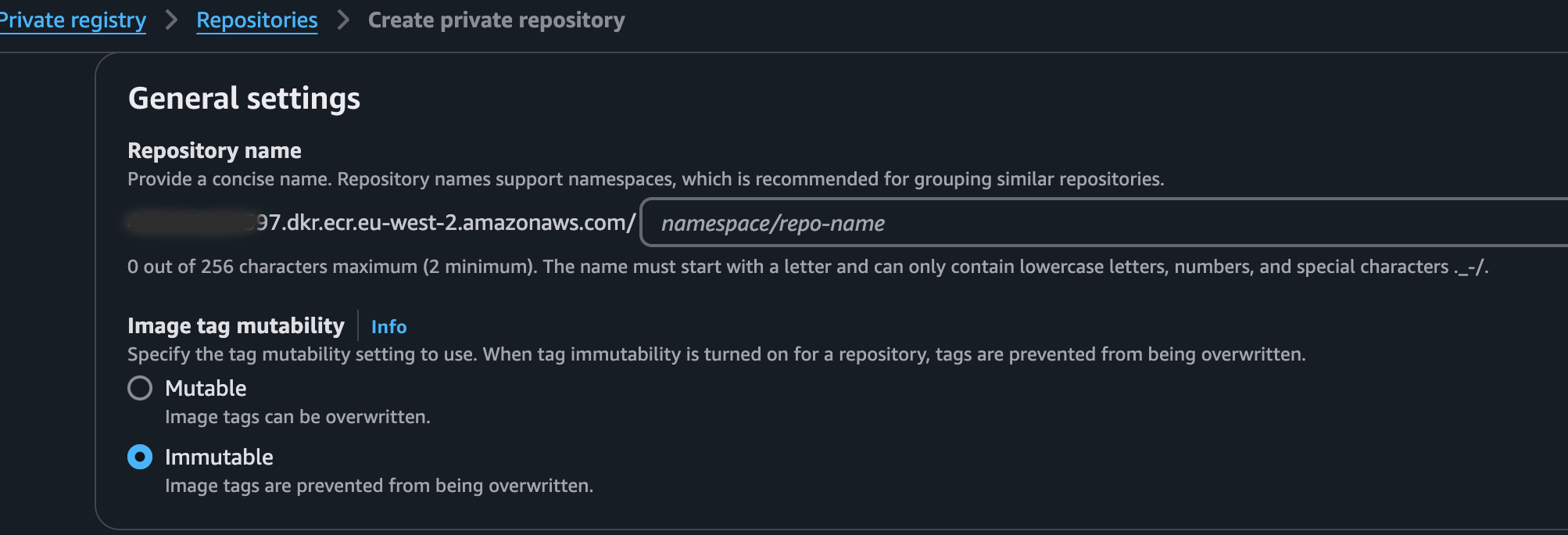
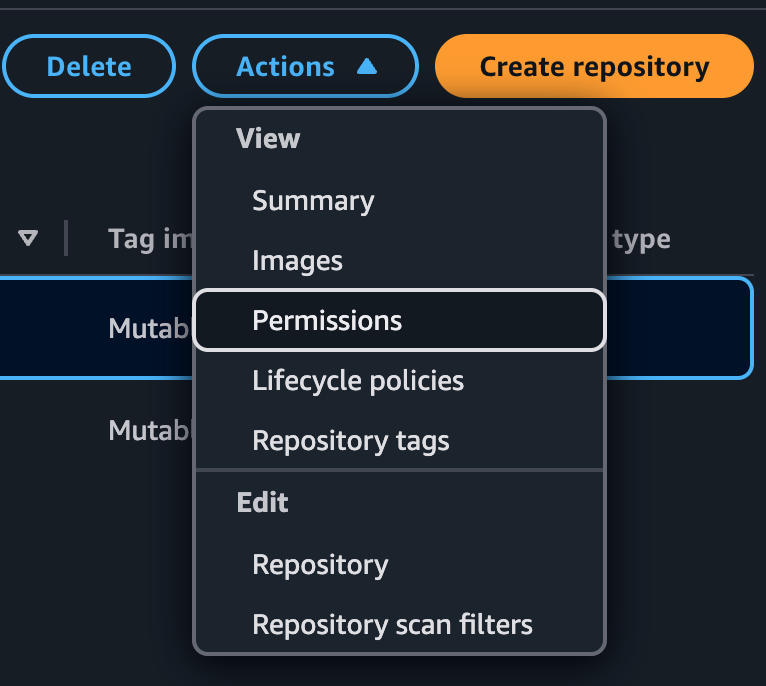
Add the following JSON policy, replacing accountB_id with the AWS Account ID of Account B:
{
  "Version": "2012-10-17",
  "Statement": [
    {
      "Effect": "Allow",
      "Principal": {
        "AWS": ["arn:aws:iam::<accountB_id>:root"]
      },
      "Action": [
        "ecr:BatchCheckLayerAvailability",
        "ecr:BatchGetImage",
        "ecr:GetAuthorizationToken",
        "ecr:GetDownloadUrlForLayer"
      ]
    }
  ]
}
Permission summary:
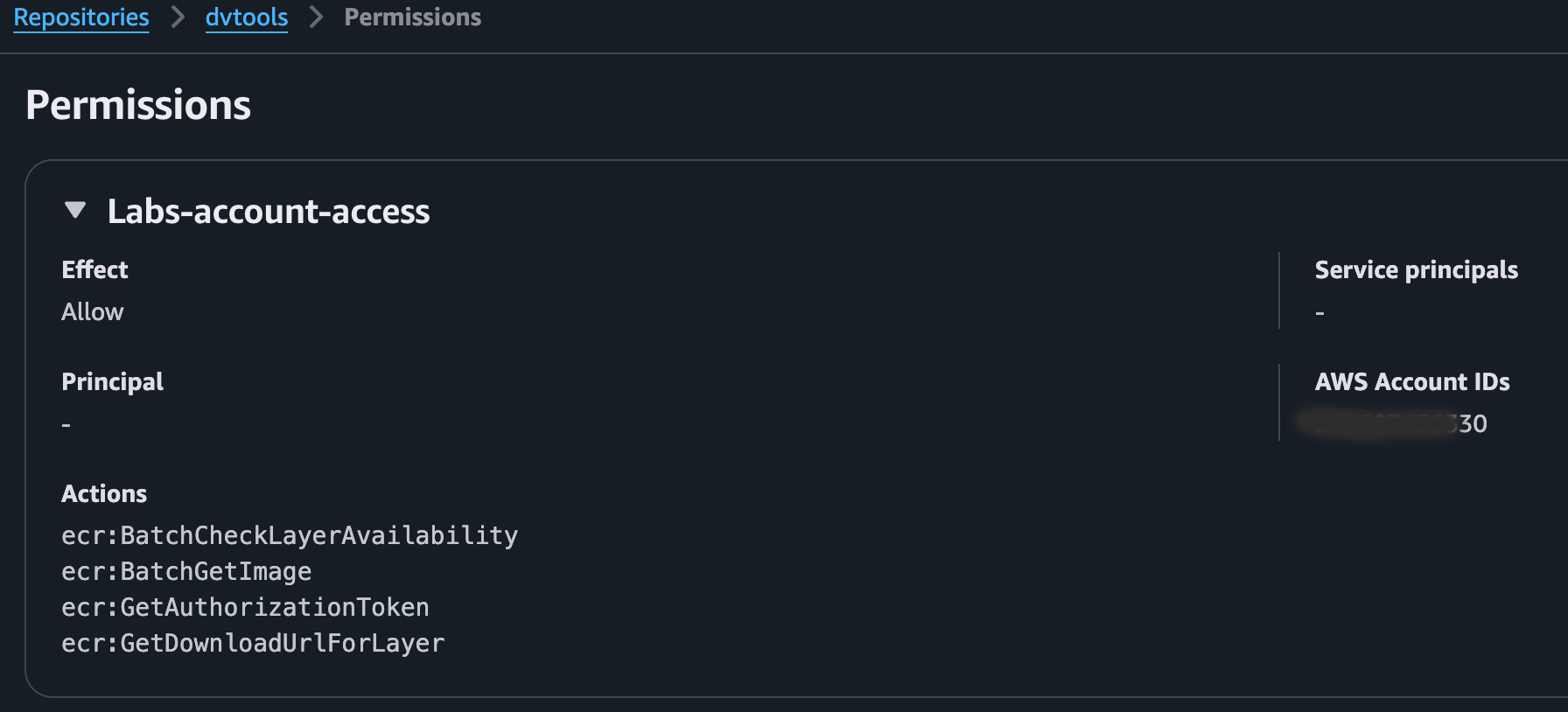
This allows EKS on Account B to pull images from the ECR registry in Account A. The policy must be applied to each repository you create.
Pushing an image to ECR
Log in to the ECR repository via Podman or Docker, then push the image: