Alertmanager MS-Teams notification
Prometheus Alertmanager supports notification to MS-Teams (with workflows) with help of msteamsv2_config messaging format.
Create Webhook in MS-Teams
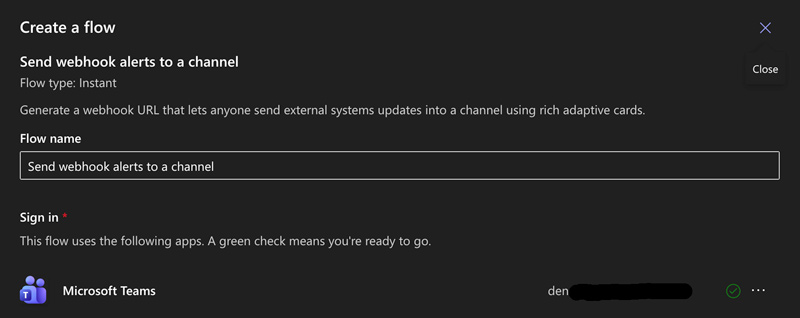
- In you channel select workflows
- Select Webhook alerts to channel
- Set name and next
- Select team and channel
- Copy the Webhook URL
Configure Alertmanager
In Alertmanager configuration, configure Route and receiver
alertmanager:
  config:
    receivers:
      - name: 'null'
      - name: "msteams-alerts"
        msteamsv2_configs:
          - webhook_url: "https://<Webhook-URL>"
            send_resolved: true
            title: "{{ .CommonLabels.severity }}:{{ .CommonLabels.alertname }} on {{ .CommonLabels.cluster }}"
            text: |-
              "Summary={{ .CommonAnnotations.summary }}
              Description={{ .CommonAnnotations.description }}
              Pod={{ .CommonLabels.pod }}
              Environment={{.CommonLabels.environment}}"
    route:
      receiver: 'msteams-alerts'
      group_by: ['alertname', 'severity']
      group_wait: 30s
      repeat_interval: 6h
      group_interval: 5m