ECR Registry Cross-Account Access
Amazon Elastic Container Registry (ECR) is a fully managed container registry that makes it easy to store, manage, share, and deploy container images and artifacts anywhere.
When running EKS clusters across multiple AWS accounts (e.g. shared Tools/CI account hosting images in Account A, and application EKS clusters running in Account B), both the ECR repository policy and the EKS node IAM role must be configured for cross-account access.
Cross-Account Architecture
graph LR
    subgraph AccountB ["Account B (EKS Cluster)"]
        Node["EKS Worker Node / Pod"]
        NodeRole["Node IAM Role (ECR Pull Permissions)"]
        Node --> NodeRole
    end
    subgraph AccountA ["Account A (Central ECR)"]
        Repo["ECR Repository"]
        Policy["Repository Permission Policy"]
        Repo --> Policy
    end
    NodeRole -- "Authenticate & Pull Image" --> Repo
Step 1. Configure ECR Repository Policy (Account A)
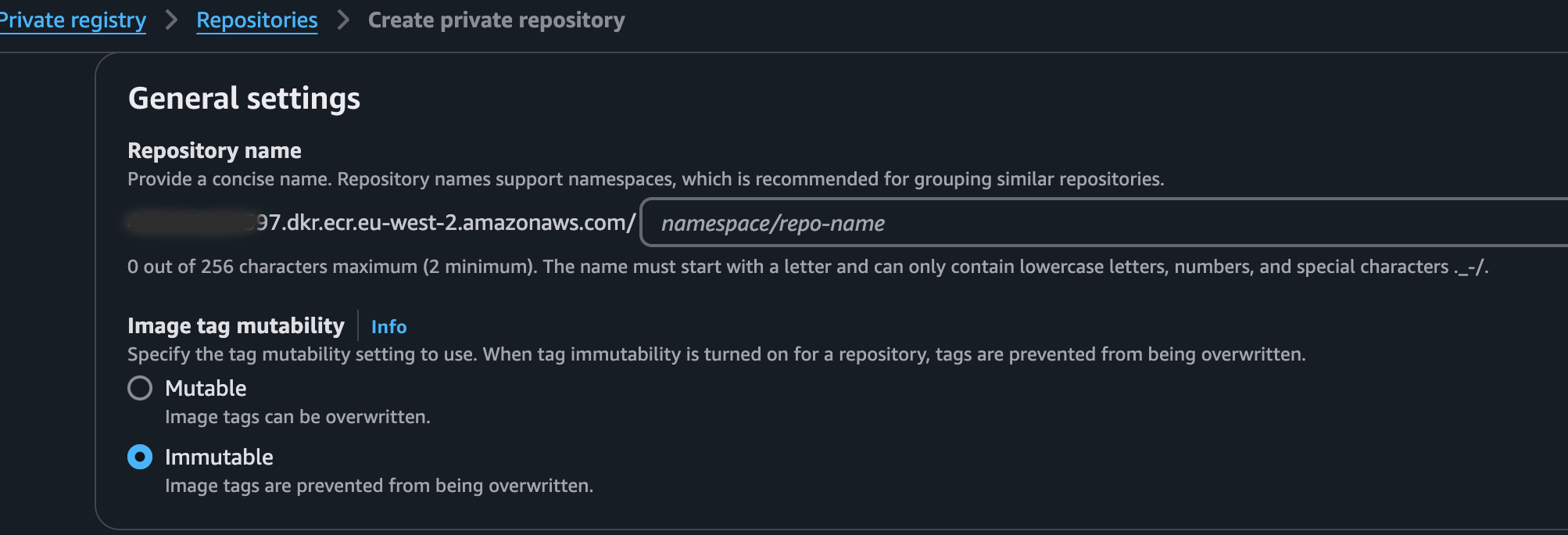
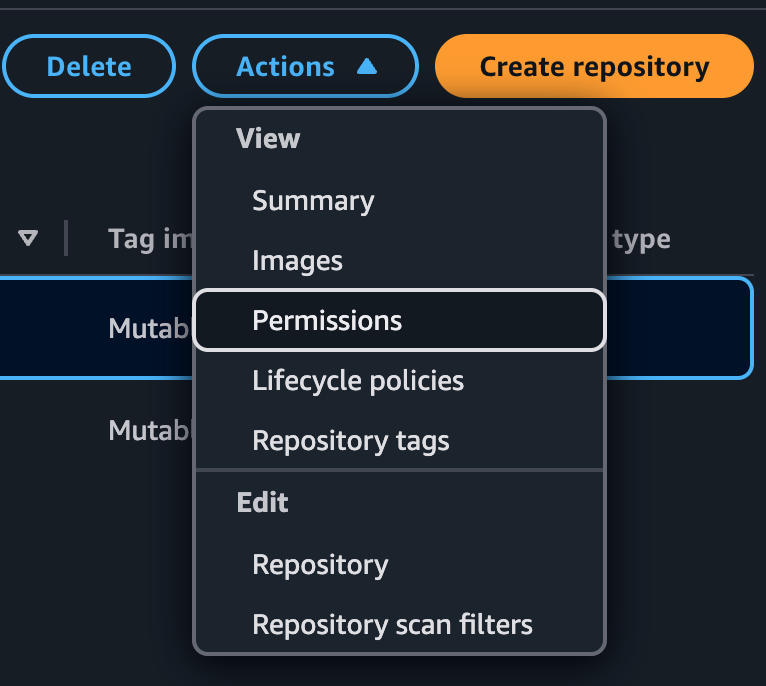
In Account A, attach a repository policy to the ECR repository granting access to the root or specific IAM roles in Account B.
ecr-policy.json
{
  "Version": "2012-10-17",
  "Statement": [
    {
      "Sid": "AllowCrossAccountPull",
      "Effect": "Allow",
      "Principal": {
        "AWS": "arn:aws:iam::<ACCOUNT_B_ID>:root"
      },
      "Action": [
        "ecr:BatchCheckLayerAvailability",
        "ecr:BatchGetImage",
        "ecr:GetDownloadUrlForLayer"
      ]
    }
  ]
}
Apply the policy via AWS CLI:
aws ecr set-repository-policy \
  --repository-name my-app \
  --policy-text file://ecr-policy.json \
  --region eu-west-1
Step 2. Configure EKS Node IAM Policy (Account B)
In Account B, ensure the EKS Node IAM role or Pod Identity role has permissions to obtain an authorization token and pull from Account A's repository.
node-ecr-policy.json
{
  "Version": "2012-10-17",
  "Statement": [
    {
      "Sid": "AllowAuthToken",
      "Effect": "Allow",
      "Action": "ecr:GetAuthorizationToken",
      "Resource": "*"
    },
    {
      "Sid": "AllowCrossAccountECRPull",
      "Effect": "Allow",
      "Action": [
        "ecr:BatchCheckLayerAvailability",
        "ecr:BatchGetImage",
        "ecr:GetDownloadUrlForLayer"
      ],
      "Resource": "arn:aws:ecr:eu-west-1:<ACCOUNT_A_ID>:repository/my-app"
    }
  ]
}
Step 3. Deploy Workload in Account B
Deploy your application referencing the full cross-account ECR image URL:
deploy.yaml
apiVersion: apps/v1
kind: Deployment
metadata:
  name: demo-app
  namespace: default
spec:
  replicas: 2
  selector:
    matchLabels:
      app: demo-app
  template:
    metadata:
      labels:
        app: demo-app
    spec:
      containers:
        - name: app
          image: <ACCOUNT_A_ID>.dkr.ecr.eu-west-1.amazonaws.com/my-app:latest
          ports:
            - containerPort: 8080